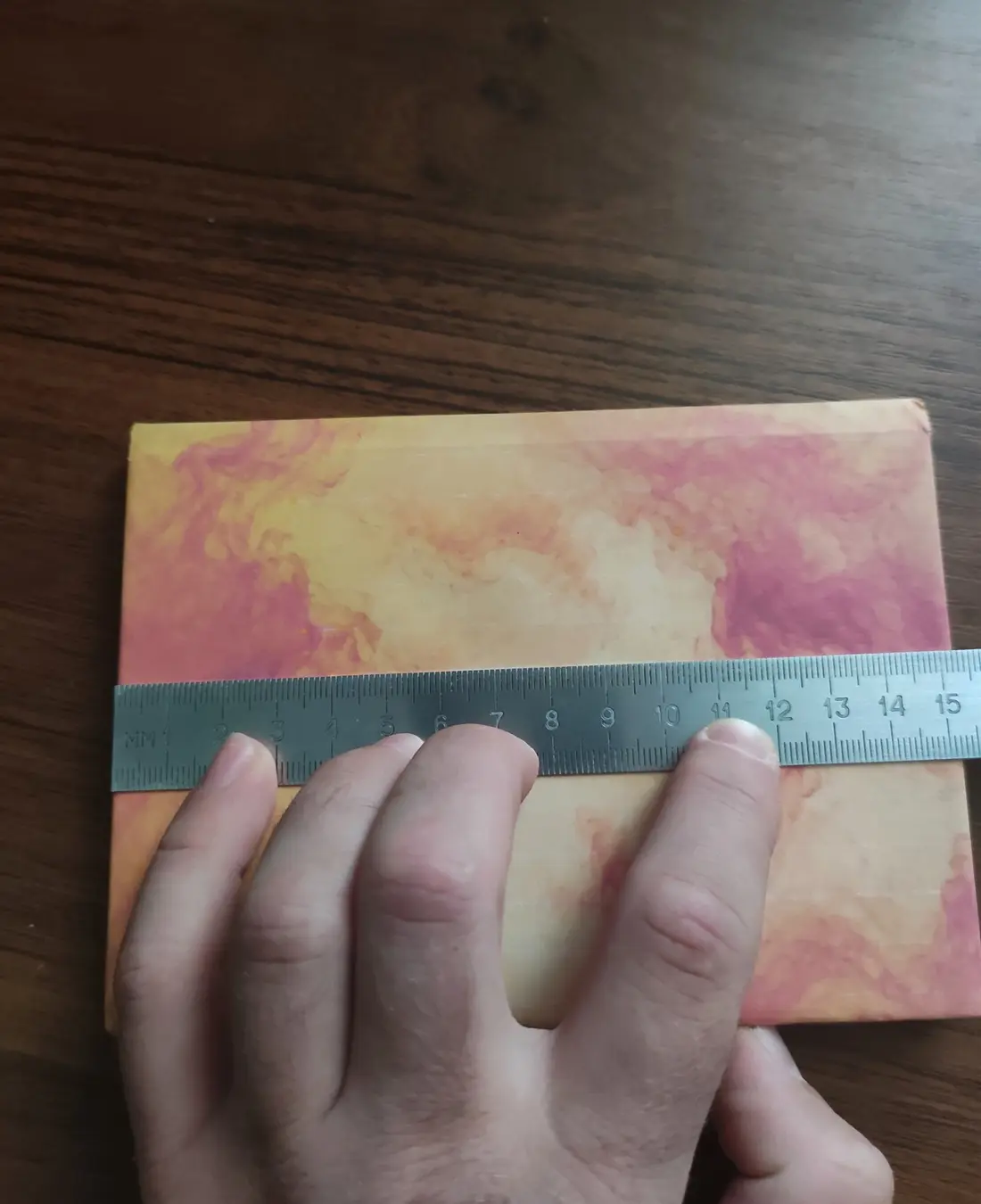
1. Book or notebook height
Measure from the bottom edge to the top edge. Enter the measured value unless you deliberately choose an allowance. The example's extra 1 mm was optional, not a universal recommendation.
Measure four parts of the physical book or notebook before generating its cover: height, one cover width, closed spine width and the thickness of one rigid cover.
Verified example: the notebook measured 152 mm high, 111 mm across one cover, 12 mm across the closed spine and 1.8 mm for one physical cover. A generator height of 153 mm added an optional 1 mm allowance; 153 mm was not the measured height.
Measure from the bottom edge to the top edge. Enter the measured value unless you deliberately choose an allowance. The example's extra 1 mm was optional, not a universal recommendation.
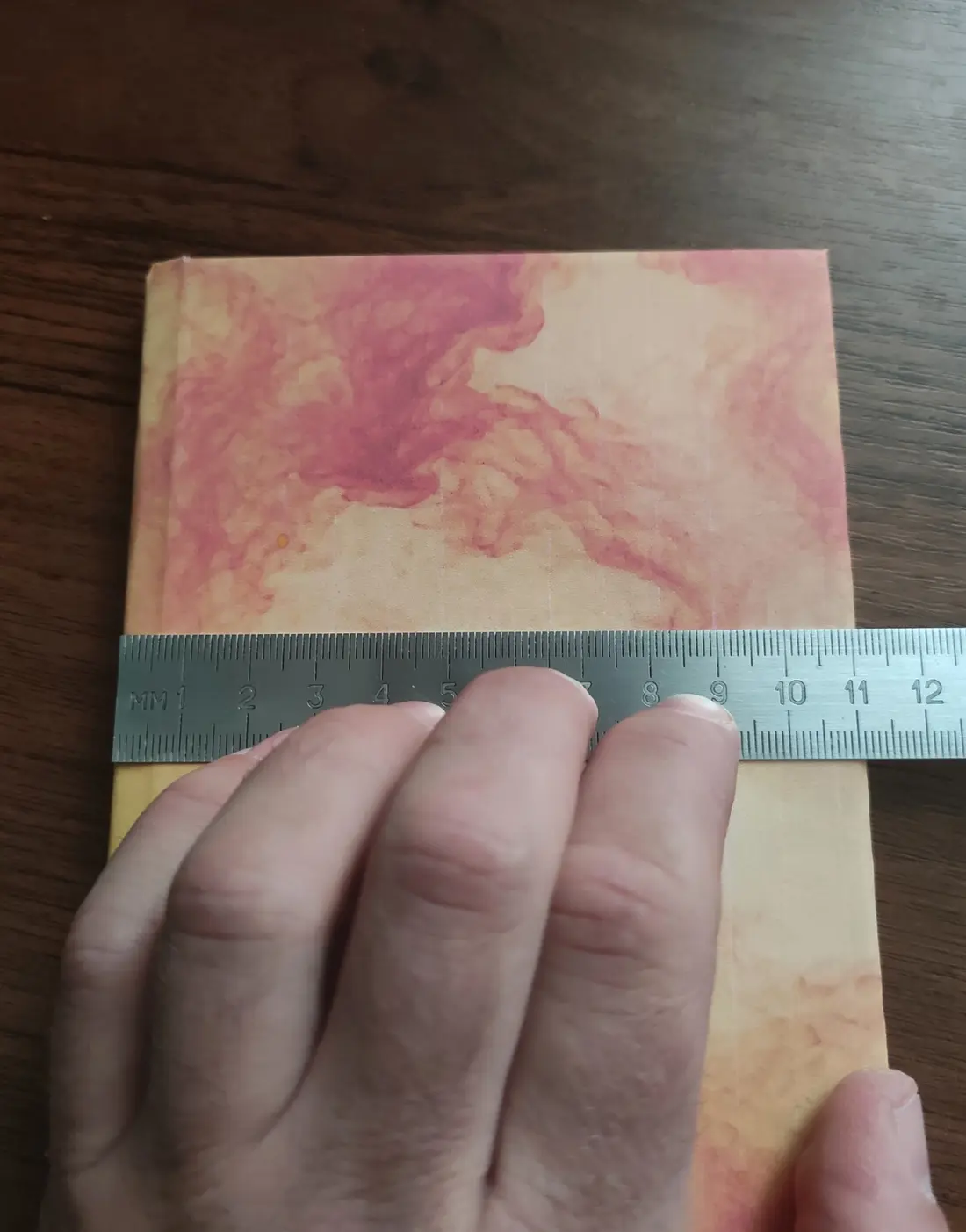
With the book closed, measure from the spine-side edge of one cover to its outside edge. Measure one cover, not the full open spread.
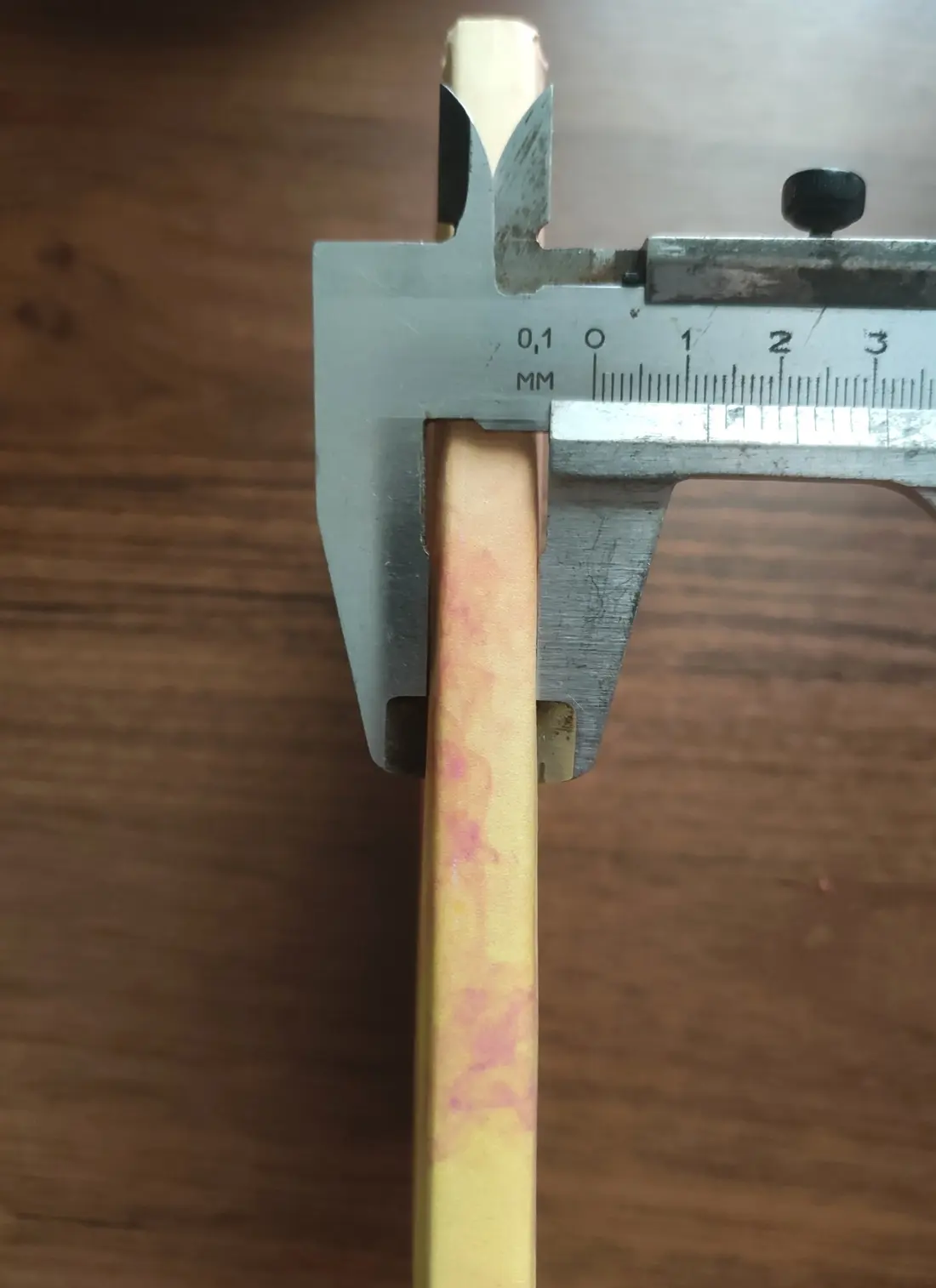
Close the book and measure between the outside faces of both covers at the spine. This describes the closed assembly at the spine; it is not the thickness of one cover board.
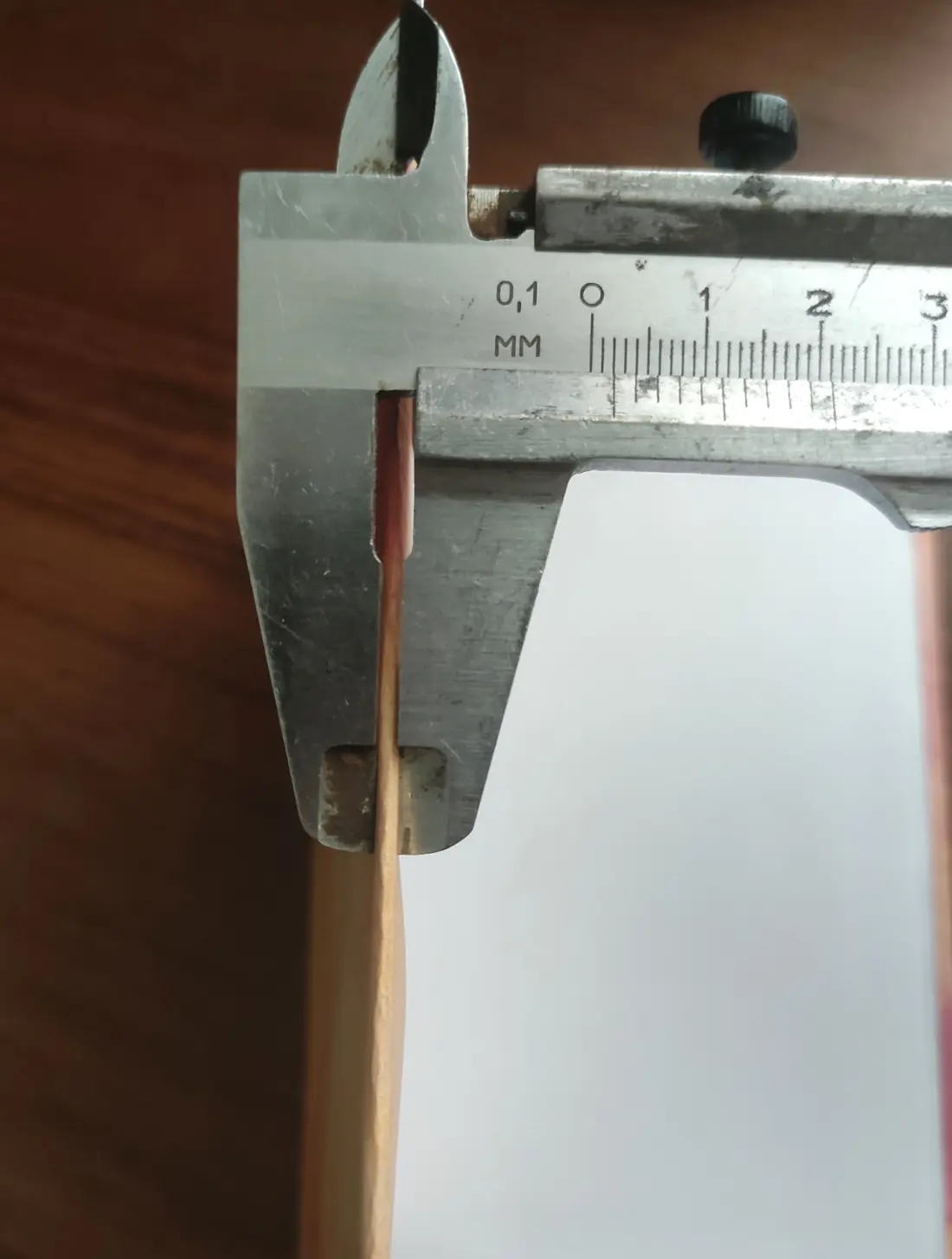
Measure one rigid cover only. Do not enter the total thickness of the closed book. The current corner-pocket attachment is intended for sufficiently rigid or hard covers.
Closed spine width spans the closed book at its spine, from one outside cover face to the other. Physical cover thickness describes only one cover board. CoverForge uses both values for different parts of the generated geometry.
Enter the values in millimeters, choose a built-in pattern and print profile, then inspect the generated 3D preview. Because physical printer tolerances differ, print the hinge-fit calibration model before the complete cover.